

Internet Explorer Visual C++ Runtime Error
Posted by Keith Elder | Posted in Windows | Posted on 01-11-2007
30
This just started happening to me yesterday after I rebooted this week.
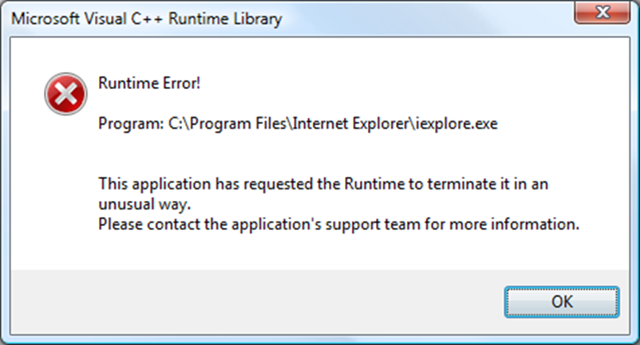
No matter what I tried I kept getting “This application has requested the Runtime to terminate it in an unusual way. Please contact the application’s support team for more information”.
I did some searches and it was mentioned to uninstall the Google Toolbar. I never installed it so I looked around for additional add on applications I may have installed and decided to uninstall Google Gears but that didn’t do any good as I suspected.
Later in the evening I happened to close Live Messenger and Live Communicator and all the applications running in my system tray (AIM, etc) so I could create a recording. After I shut those applications down the problem went away. I *think* it may have been Live Messenger Beta or AIM that caused the problem. Regardless which one cause the problem I thought I would post about it in case someone else ran into the same problem.
By the way, even though I restarted those applications and have not rebooted, the problem hasn’t come back. Very weird.
UPDATE: Feb 18th
I ran into this problem again and my latest fix to solve this problem was go to Tools->Options->Advanced and click the “Reset” button at the bottom of the form. So far so good.